
My internet tests fast but everything still feels slow, what’s actually going on?
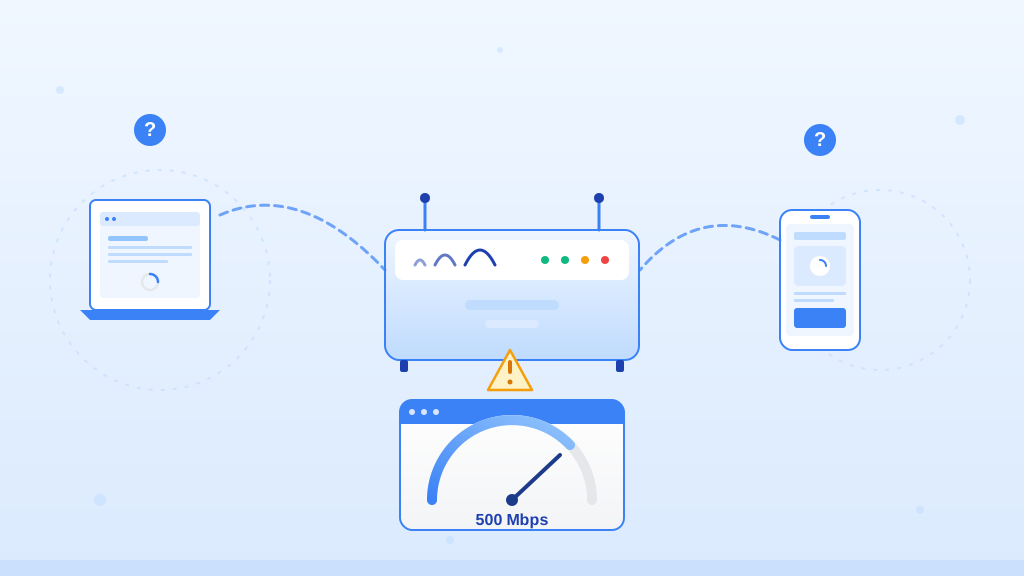
Speedtest only measures the “empty highway” between your house and your internet provider, not the actual traffic on your way to a specific website. Your router might be choking on the data, or the server you’re connecting to is just slow, kind of like how a blizzard can mess with your signal even if the provider’s test says everything is fine.
Quick things to check first
- Unplug your router and modem from the wall, wait a full two minutes, and plug them back in. This clears out the memory and forces a fresh handshake with your provider.
- Switch from Wi-Fi to a regular Ethernet cable plugged directly into your router to see if the problem is just your wireless signal struggling through the walls.
- Try a different web browser or close all your extra tabs, since a browser bogged down with background junk can make a perfectly good internet connection feel like dial-up.
If that didn’t fix it
- Open your web browser and type “fast.com” in the address bar. Since it runs on Netflix’s servers, if it gives you a much slower number than Speedtest does, you know the issue is the route to specific websites, not your actual internet connection.
- Open a command prompt (search “cmd” in Windows) and type “ping 8.8.8.8 -t” to watch your connection stability. If you see the time jumping way up or getting “Request timed out” messages, your connection is dropping packets even when the speed tests look okay.
When to call a pro
If you plug a computer directly into your modem with an Ethernet cable, bypassing your router entirely, and your web pages still freeze or time out constantly, it’s time to call your provider. Also, if your modem’s lights are flashing red or you hear static on a landline phone, you’ve got a physical line issue outside the house that needs a technician.
Pro tip
Don’t cheap out on the router your internet provider gives you, especially if you’re paying for gigabit speeds, as older hardware simply can’t push those speeds to all your devices at once. Restarting your router once a month clears out the digital cobwebs and keeps it from slowing down under the weight of all your smart home gadgets.
Sources
- Internet is super slow, but Speedtest claims that it’s fast. : r/techsupport
- Why Your “Fast” Internet Feels Slow (and How to Fix It)
- 8 Reasons Why Your Internet is Slow (and How to Fix It)
- Why is my internet speed fine when I test it, but my downloads go slow?
- Why Your Internet Is Slow (Even When Speed Tests Say It’s Fast)