
I plugged a second router into my main one to get wifi in the garage, but now my devices lose connection when I walk between them, what did I do wrong?
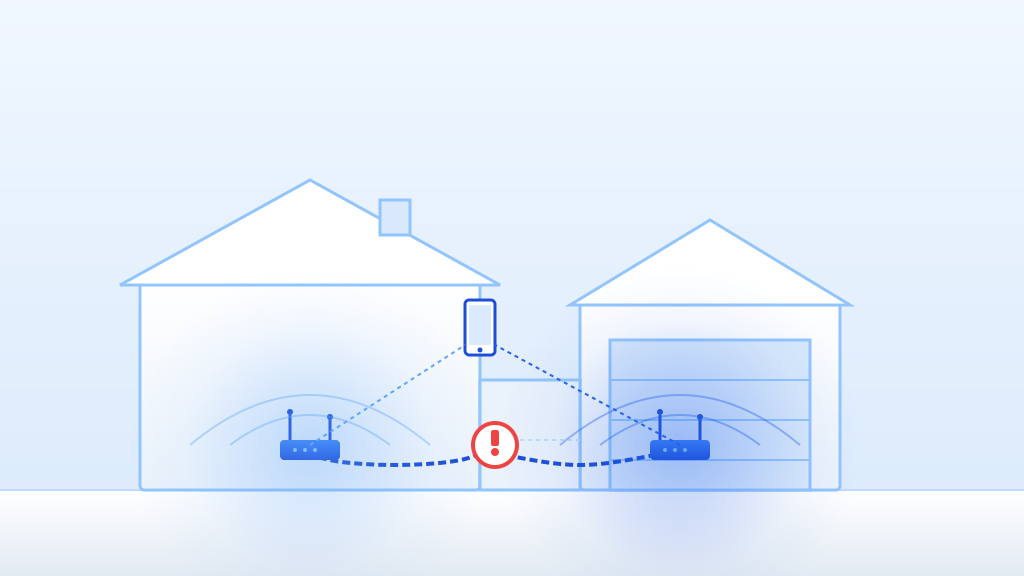
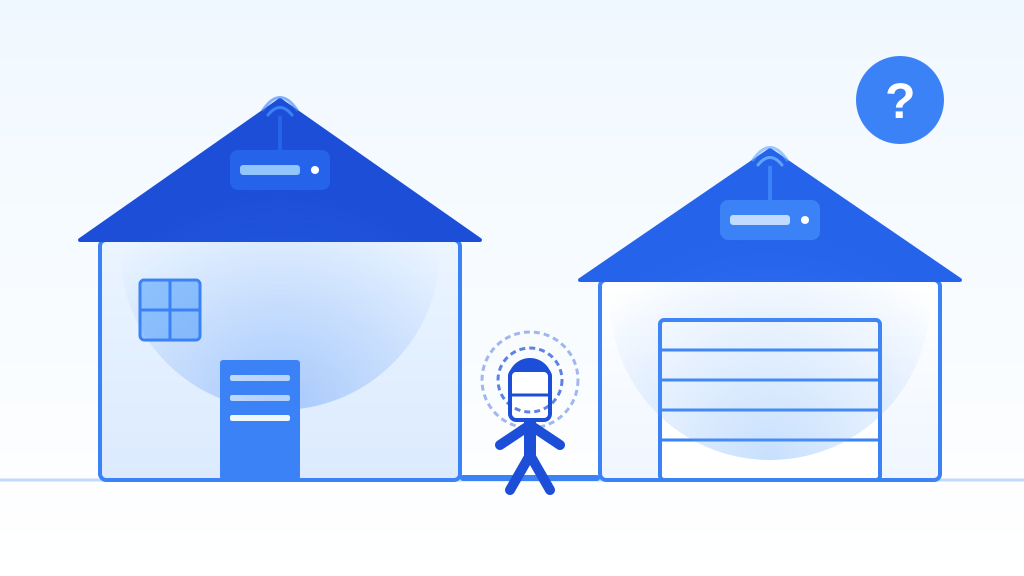
You’ve got a classic “double DHCP” mess and overlapping Wi-Fi channels. Your two routers are fighting over who hands out addresses and stepping on each other’s signals, so your phone gets confused and drops the call when it tries to switch from one box to the other.
Quick things to check first
- Unplug the ethernet cable from the “Internet” or “WAN” port on the garage router and plug it into one of the regular numbered “LAN” ports instead.
- Turn off the Wi-Fi on your phone, walk out to the garage, and turn it back on to see if it cleanly grabs the garage router’s signal without dropping.
- Make sure the garage router’s Wi-Fi network name (SSID) and password are exactly identical to your main house router.
If that didn’t fix it
- Log into your main router’s admin panel (usually typing 192.168.1.1 or 10.0.0.1 into a web browser) and find its “DHCP Server” settings to see the exact range of IP addresses it automatically hands out (like 192.168.1.100 through 192.168.1.200).
- Log into your garage router’s admin panel and find its “Local IP” or “LAN IP” setting. Set it to a static address inside your main router’s subnet but safely outside its automatic DHCP pool (like 192.168.1.254).
- While inside the garage router’s settings, find the “DHCP Server” section and completely disable it. This is the magic step that stops the two boxes from fighting over handing out addresses to your devices.
- Download a free Wi-Fi analyzer app on your phone, walk between the house and garage, and check which Wi-Fi channels are crowded. Set the garage router to use a channel at least 5 numbers away from your main router so they aren’t shouting over each other.
When to call a pro
If you log into the router’s admin page and simply cannot find a setting to disable the DHCP server, or if your devices still stubbornly drop the internet even after you’ve verified the WAN port is bypassed and the IP addresses are properly staggered, it’s time to call a pro. You should also stop and get help if you notice any charred electrical smells, hear a loud buzzing from the hardware, or if you’re dealing with old, unsafe electrical wiring powering the garage setup.
Pro tip
Next time you need to cover a dead zone, skip the old router-to-router headache and just buy a proper mesh Wi-Fi system. Mesh units are designed from the factory to talk to each other and seamlessly hand off your phone without dropping the connection. If you absolutely must repurpose an old router, always remember the golden rule: cable from LAN to LAN, and turn off the second box’s DHCP server!
Sources
- Second Router No Internet? How to Fix It? 2026
- r/HomeNetworking on Reddit: 2 Router WiFi setup - Losing connection from 2nd router (DHCP Off) shortly after connecting
- How to Connect a Second Router Wirelessly (2026) - TechnoWifi
- Can You Have Two Routers in One House? Why It Slows Your Wi-Fi
- Mesh Wi-Fi Routing Issue: Secondary Node Connecting to Wrong Repeater …